ترجمات ونص فيديو يوتيوب
AI Video Localization with AI Agents | Vozo Skills Tutorial
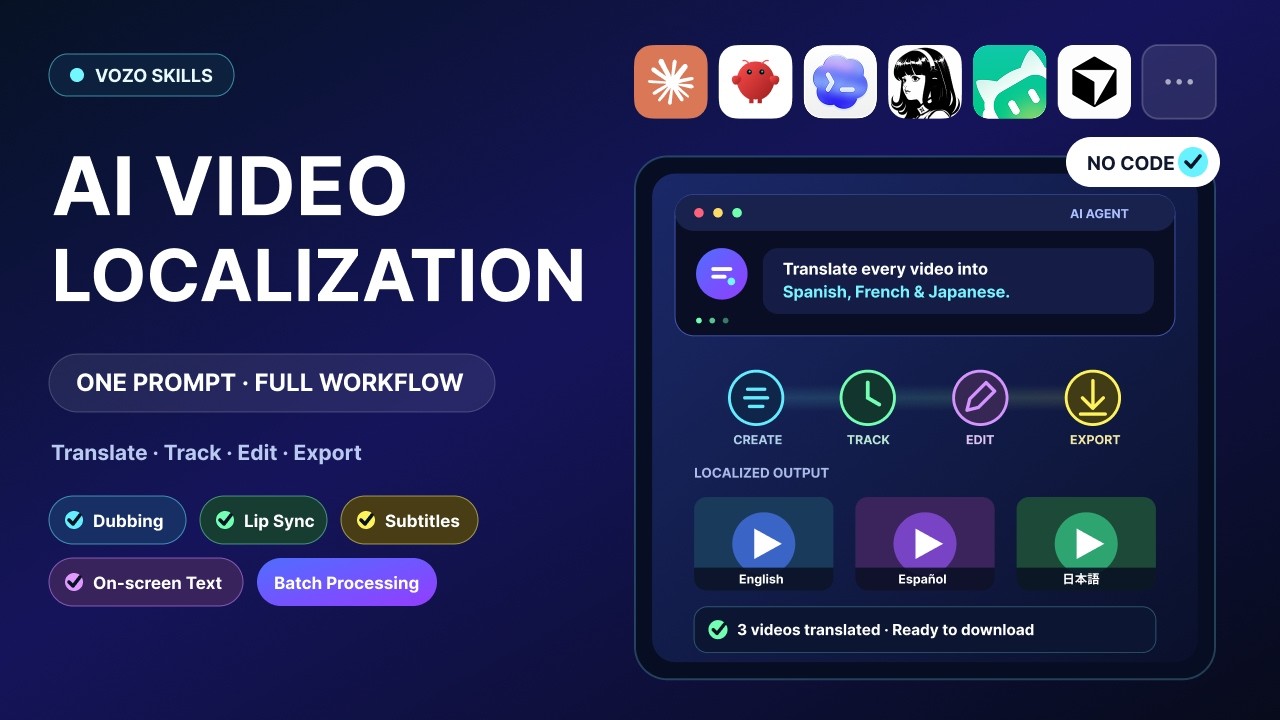 1:46
1:46YouTube
AI Video Localization with AI Agents | Vozo Skills Tutorial
Vozo AI · Aug 11, 2026
تنزيل الترجمات
لغة الترجمة
شاهد على يوتيوبلغات ترجمة أخرى
لا تتوفر معاينة لهذا المسار.
النص الكامل
اقرأ النص الكامل لـ AI Video Localization with AI Agents | Vozo Skills Tutorial، أو نزّل الترجمات بصيغة SRT أو VTT أو نص عادي.
With just one prompt, you can complete
an entire video localization workflow.
In this tutorial, we'll use Codex as the AI agent
to create, manage, and download multiple Vozo projects.
You can also install Vozo skills in other agents you use.
First, open Codex.
Then go to the Skills page on the Vozo website
and find the installation command.
Copy the installation command and
paste it into the Codex chat.
Codex checks the environment and installs
the Vozo CLI and the required agent skills.
This may take 4 to 5 minutes.
If the installation gets blocked,
simply ask Codex to resolve the issue.
Next, complete a one-time Vozo account
authorization in your browser.
Once authorized, return to the Codex chat
and confirm that the CLI and skills are ready.
Now, upload your video folder to Codex and describe the task.
For example, you can ask Codex to translate
several videos into different languages,
including dubbed audio and on-screen text,
and then export all the finished files to a local folder.
Codex calls Vozo to create the projects, connects the required
translation tools, and keeps checking project status.
There is no need to create or monitor every project manually.
When the projects are complete,
Codex summarizes their status and results in the chat
and provides links to each project.
If you need to make any changes,
click the link to open the project in Vozo and edit it directly.
Once you're finished, return to Codex
and ask the AI to export the updated result.
Codex exports all finished files
and saves them to the specified location.
With Vozo skills, the entire process can be completed
through a conversation with your agent.
Now, one prompt is all it takes for AI
to handle the full video translation workflow.